

Top 20 VS Code Extensions for Higher Productivity (2026)


With VS Code extensions, you can turn Visual Studio Code into a powerful code editor for almost any programming language. Whether you’re working on web development, JavaScript, Python, or backend projects – the right extensions can significantly boost your productivity.
Visual Studio Code is just the beginning – it becomes a true power tool for developers only when enhanced with the right extensions. No matter if you’re building websites, APIs, or full-stack applications, the right tools can dramatically speed up your workflow, reduce errors, and improve overall efficiency.
In this article, I’ll show you the best VS Code extensions that can noticeably improve your daily development workflow. Many developers underestimate how much extensions can transform the editor, but some tools can easily save you hours of work every day, while others add little real value. The best part: VS Code extensions can be installed or removed in seconds, so you can safely try them without affecting your setup. All extensions listed here are actively used in my own development workflow, which is why they made it into this list.
- 1. ChatGPT - Genie AI
- 2. Favorites
- 3. MinifyAll
- 4. Docker
- 5. Better Comments
- 6. Code Spell Checker
- 7. GitLens - Git supercharged
- 8. Regex Previewer
- 9. Test Explorer UI
- 10. Remote - SSH
- 11. Node.js Extensions Pack
- 12. DotENV
- 13. ESLint
- 14. Jest
- 15. Python
- 16. REST Client
- 17. Prettier - Code formatter
- 18. css-auto-prefix
- 19. CSS Peek
- 20. WordPress Hooks IntelliSense
1. ChatGPT – Genie AI
One of the most popular AI extensions for VS Code. With ChatGPT integration, you can analyze, explain, optimize, or comment your code directly inside the editor.
After the rise of ChatGPT, many similar extensions appeared, but Genie AI is still one of the more practical solutions for everyday use. Its context menu integration is especially useful: you can run actions on selected code like explaining, refactoring, or improving it instantly.
The underlying prompts can also be customized, making the extension flexible enough to adapt to your personal workflow.
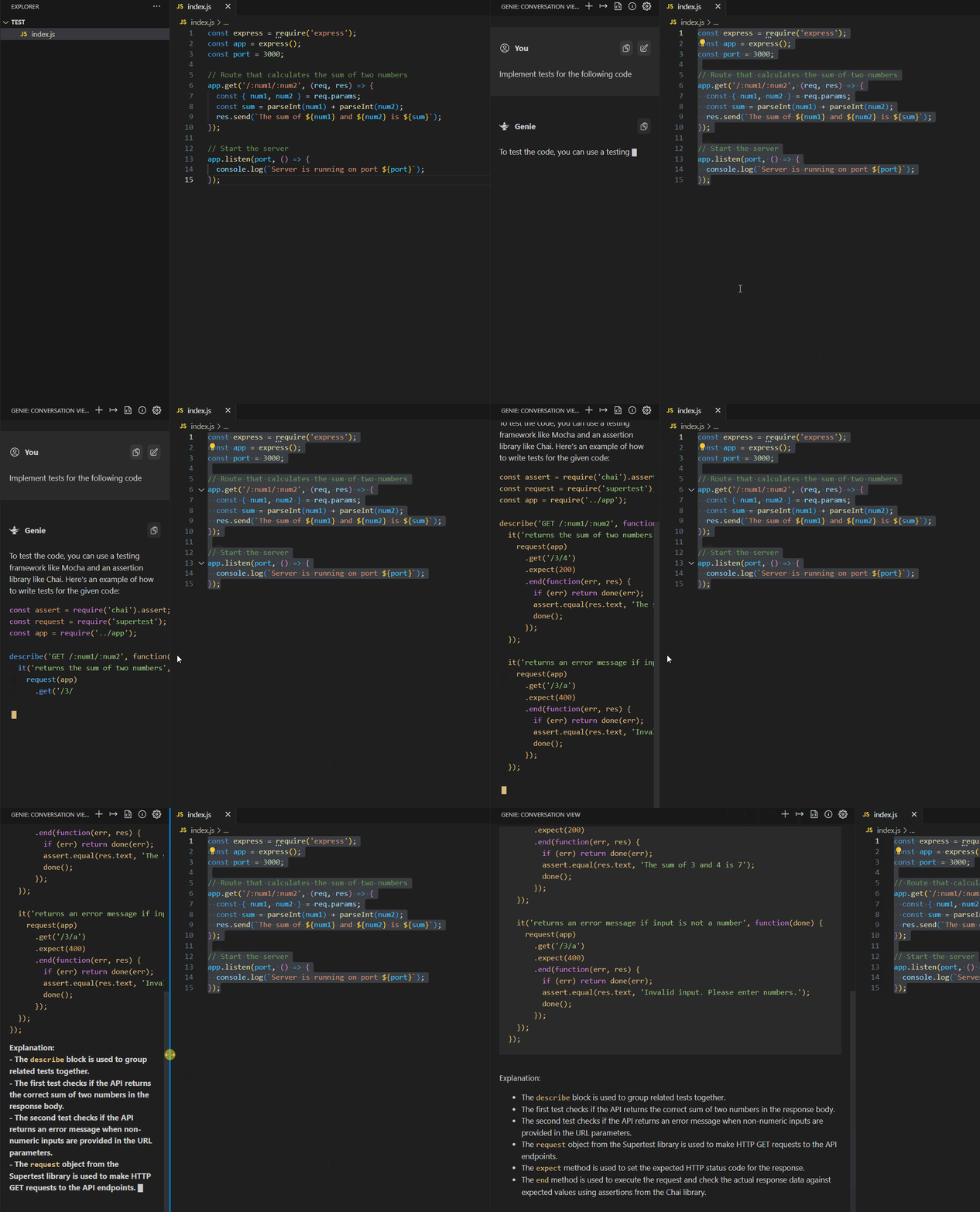
The background prompts can all be customized individually in the settings, making it the best AI plugin for Visual Studio Code for me.
2. Favorites
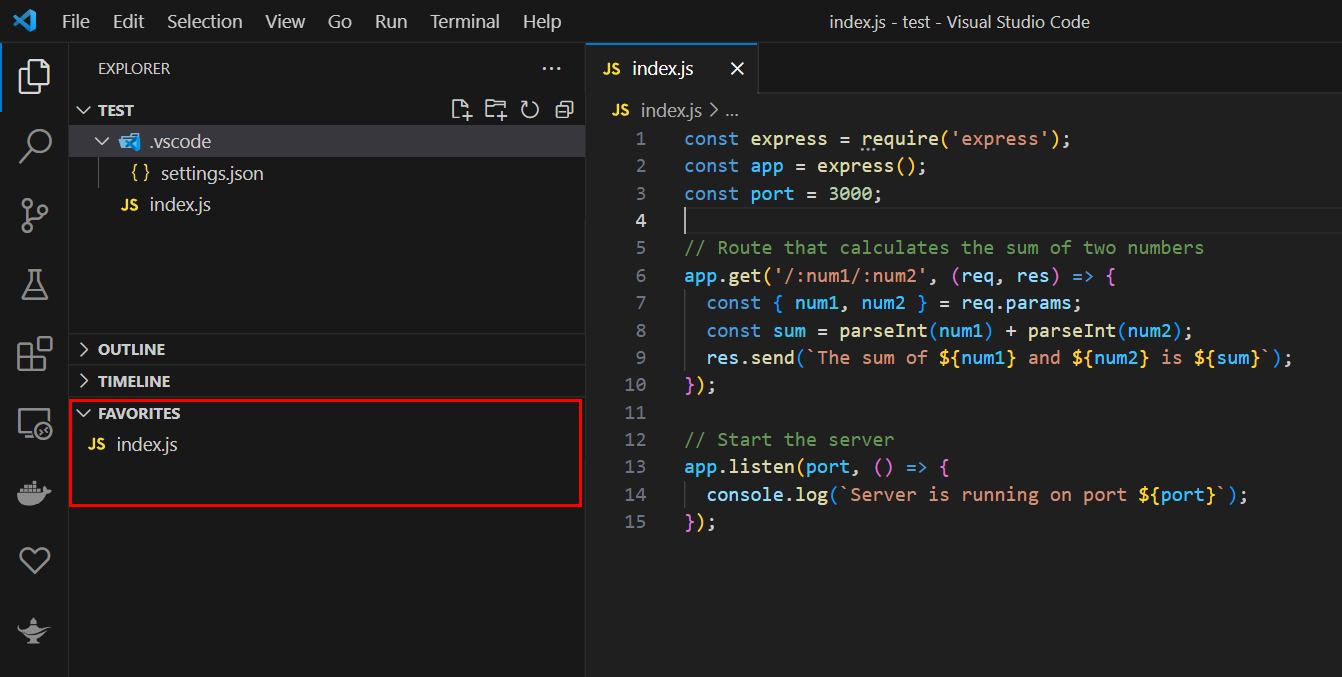
A simple but extremely useful extension: Favorites lets you mark important files and access them quickly. It’s especially helpful for configuration files that you frequently open or edit.
3. MinifyAll
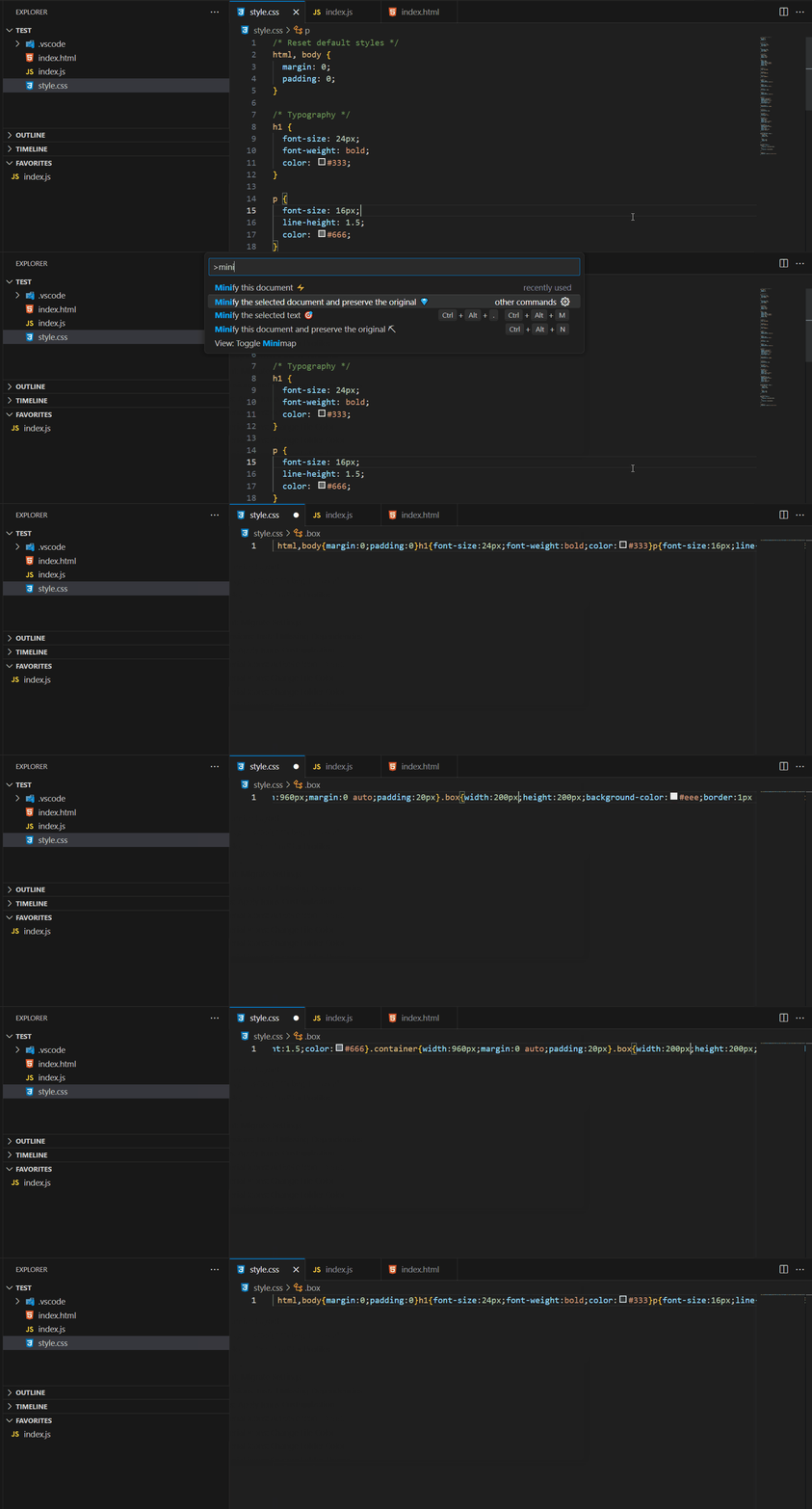
MinifyAll reduces file sizes by automatically minifying your code. This is especially useful for production web projects where performance and load time matter.
It supports multiple common languages such as JavaScript, CSS, and HTML, making it a handy tool for quick optimizations without a full build pipeline.
4. Docker
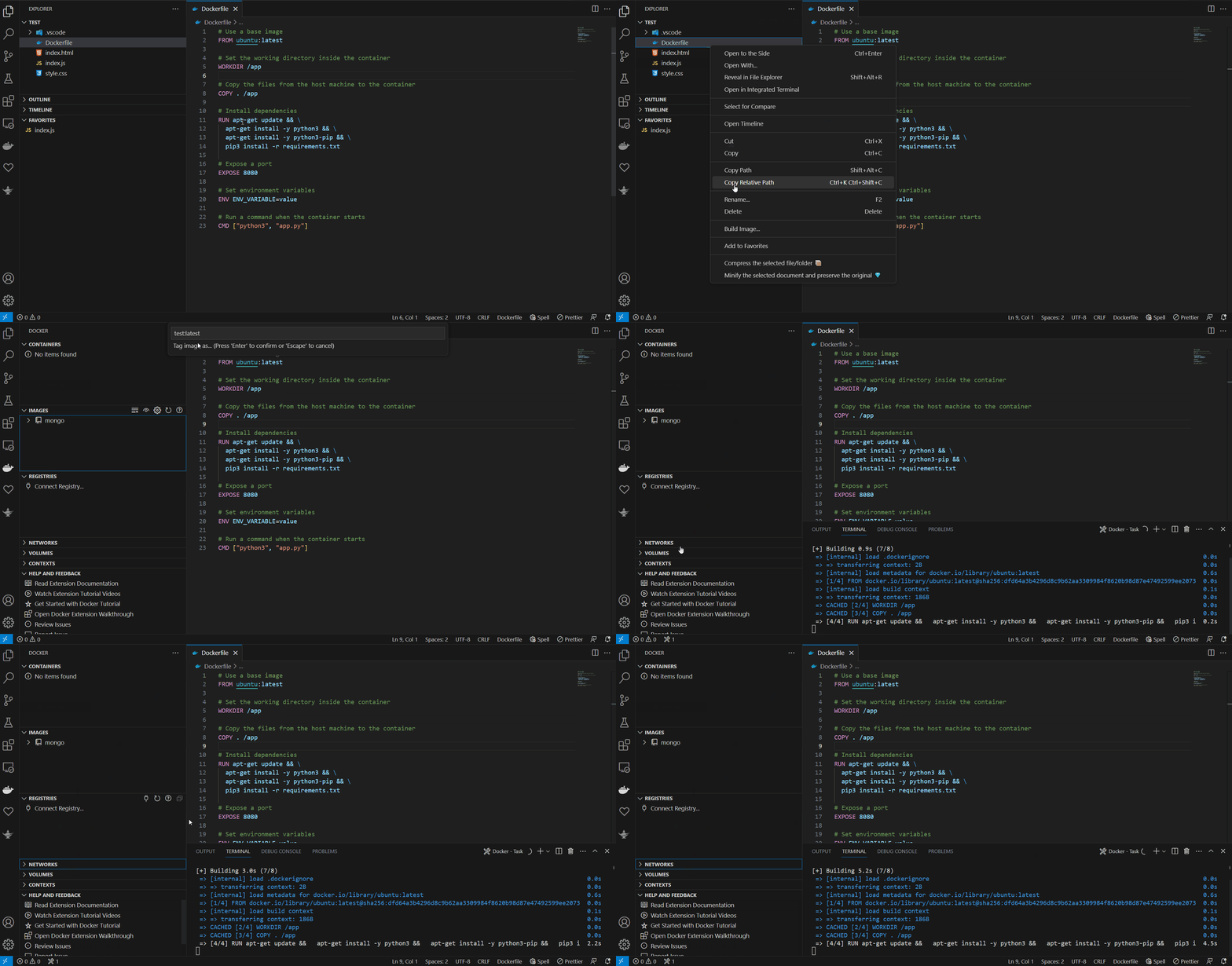
The Docker extension is a must-have tool for modern development. It allows you to work with containers directly inside VS Code, including building images, managing containers, and viewing logs.
Especially in backend and DevOps workflows, Docker has become an essential part of modern development environments.
5. Better Comments
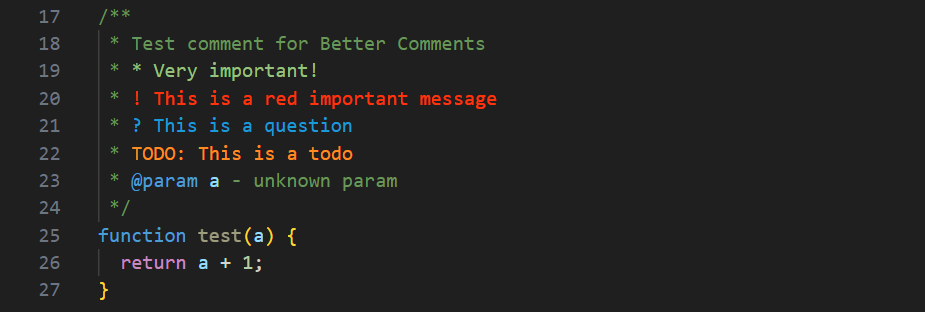
Better Comments improves code readability by highlighting important comment types such as TODOs, notes, and warnings.
This makes it easier to quickly identify important sections in large projects or team environments.
6. Code Spell Checker
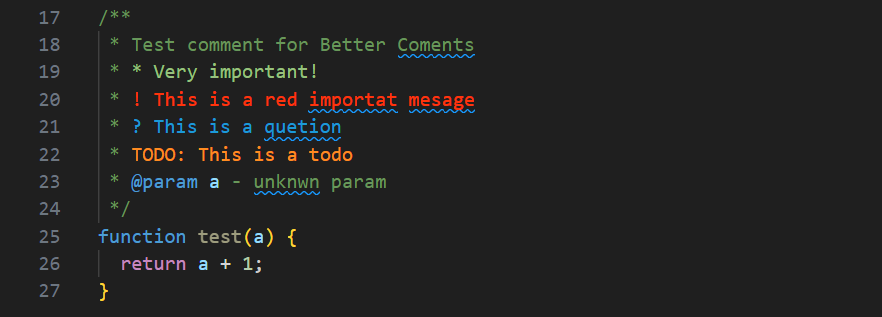
This extension checks spelling mistakes directly in your code and comments. It is especially useful for maintaining clean documentation and professional-quality codebases.
It helps avoid small typos in variable names, comments, and documentation, which improves overall code consistency.
7. GitLens – Git supercharged
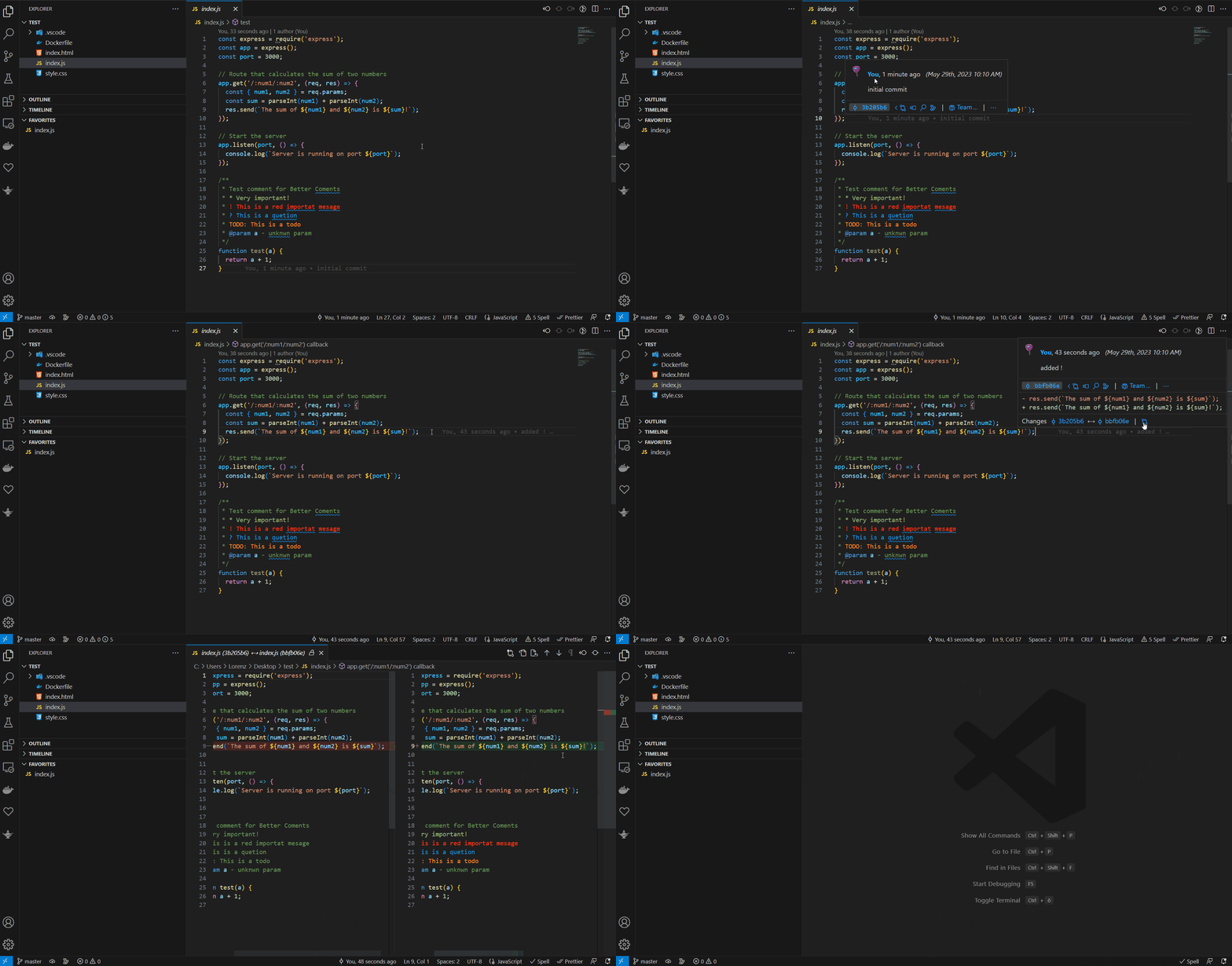
GitLens significantly enhances Git functionality in VS Code. It shows who last modified a line of code, along with commit history and detailed change tracking.
This is extremely useful in team projects where understanding code history is important for debugging and collaboration.
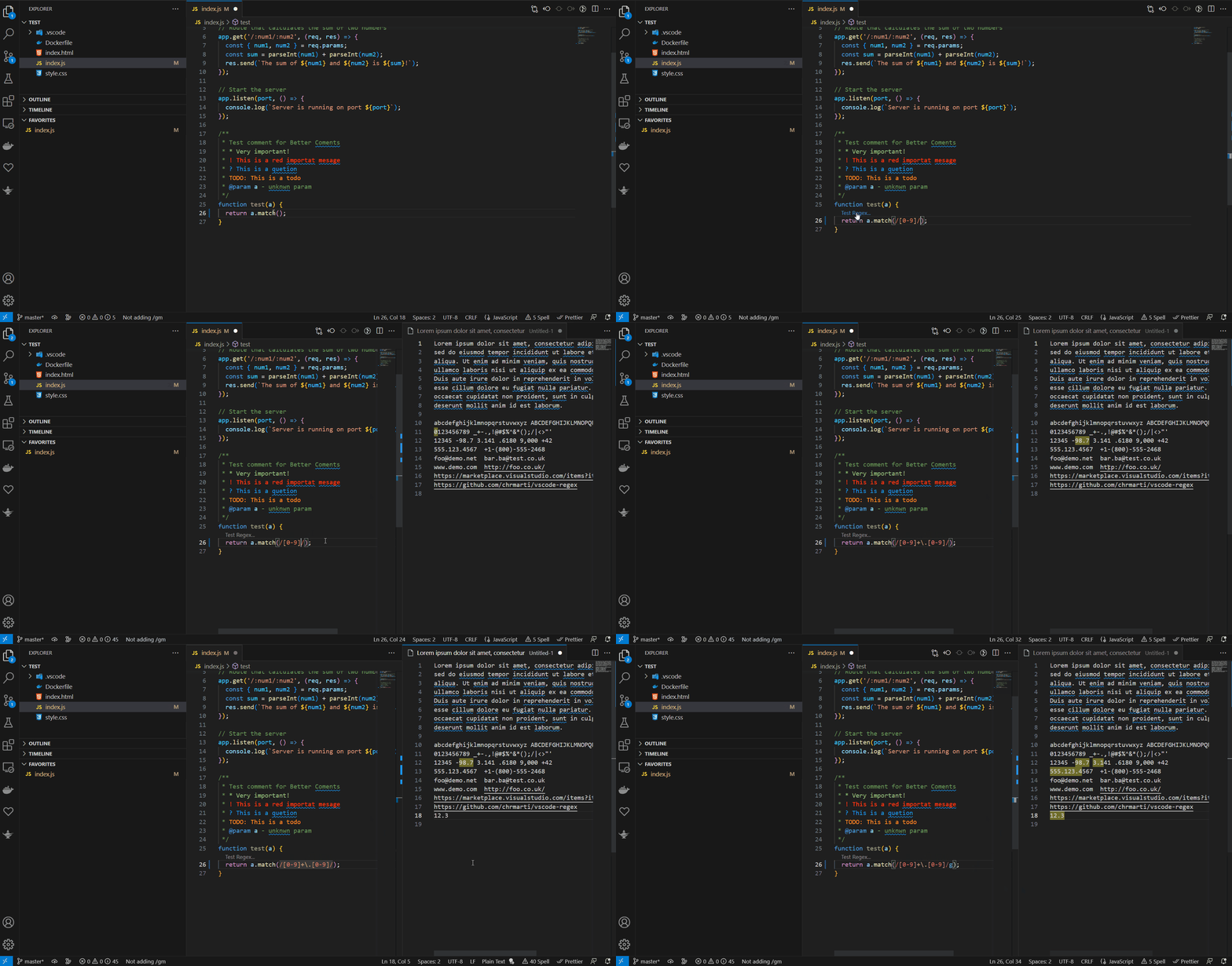
8. Regex Previewer
Regex Previewer helps you create and test regular expressions in real time. You can instantly see which matches your pattern produces, making debugging much easier.
This saves a lot of time compared to switching between external regex testing tools.
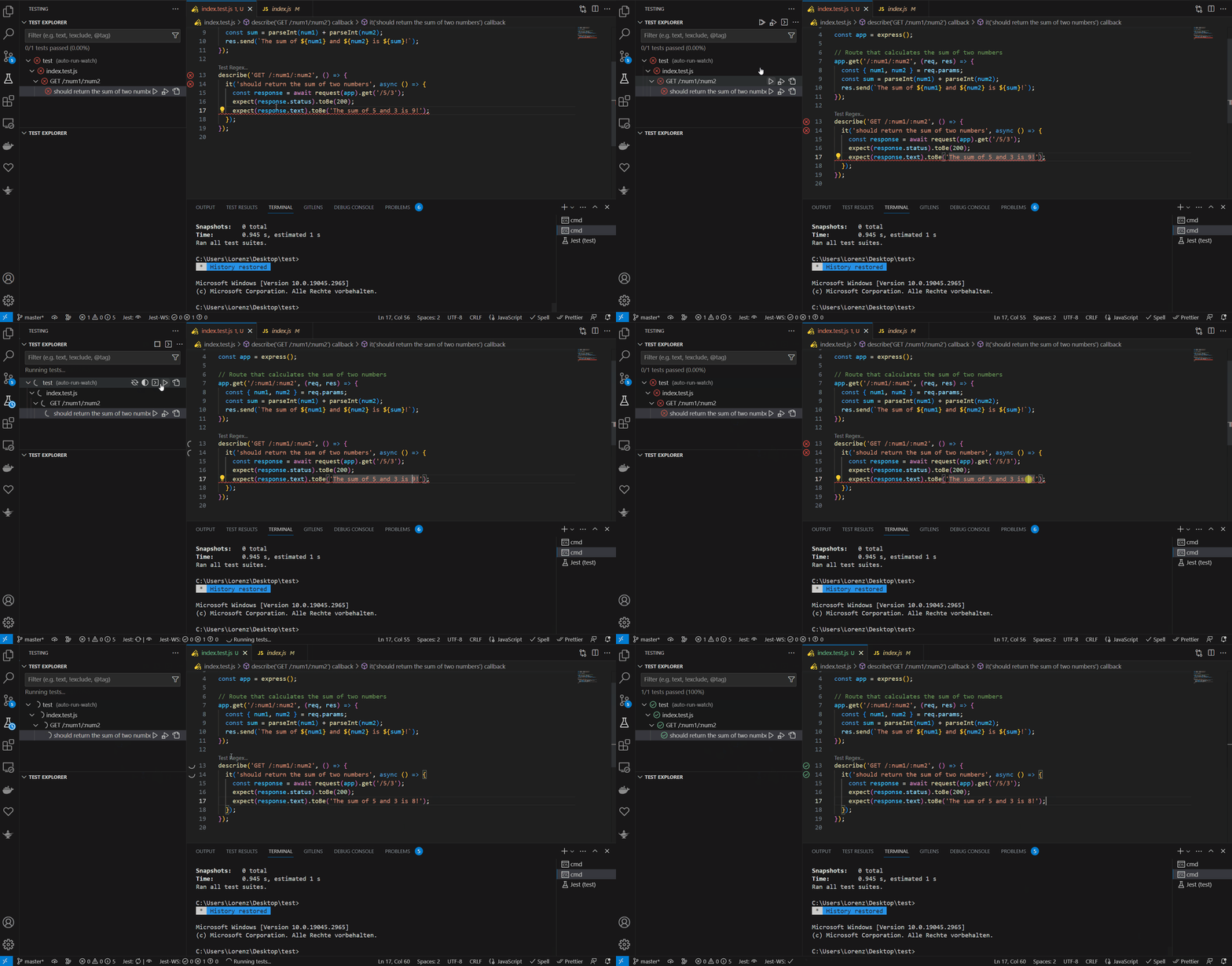
9. Test Explorer UI
This extension improves test management inside VS Code. It provides a clear overview of all tests and allows you to run, debug, and evaluate them directly in the editor.
It is especially useful for TDD workflows and larger test suites.
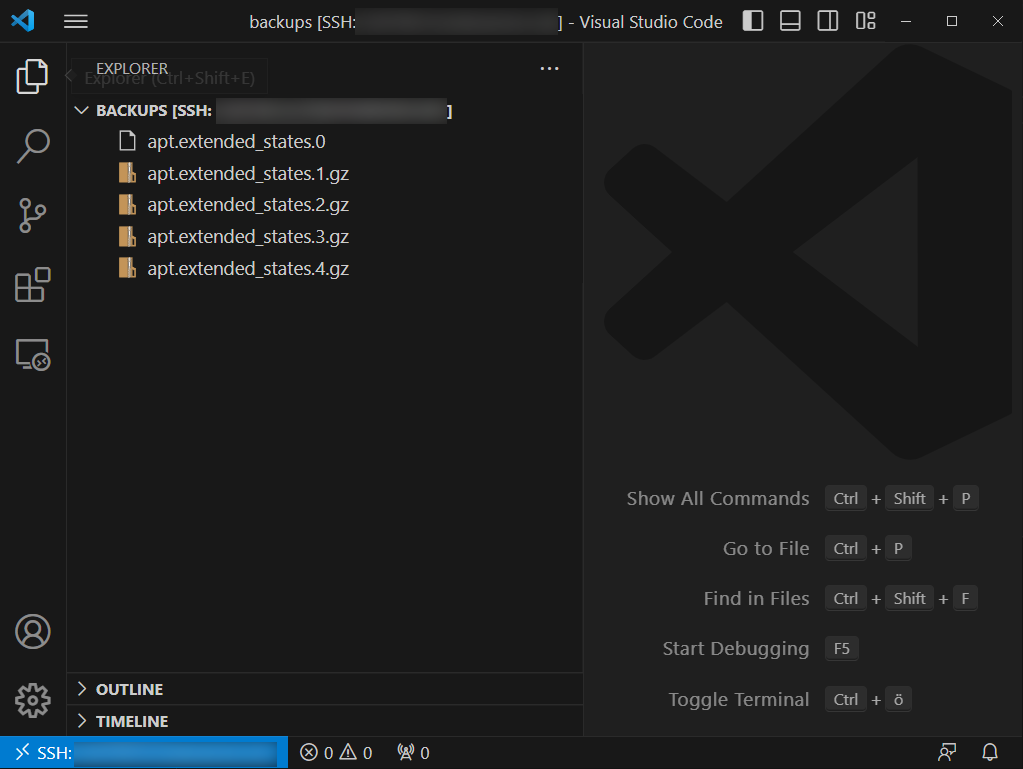
10. Remote – SSH
With Remote – SSH, you can connect directly to remote servers from VS Code. You work as if the files were local, including terminal access, editing, and debugging.
This is ideal for server management and remote development, eliminating the need for separate FTP tools and allowing direct deployment workflows.
All other VSCode extensions are more specialized for developers working in the field of web development.
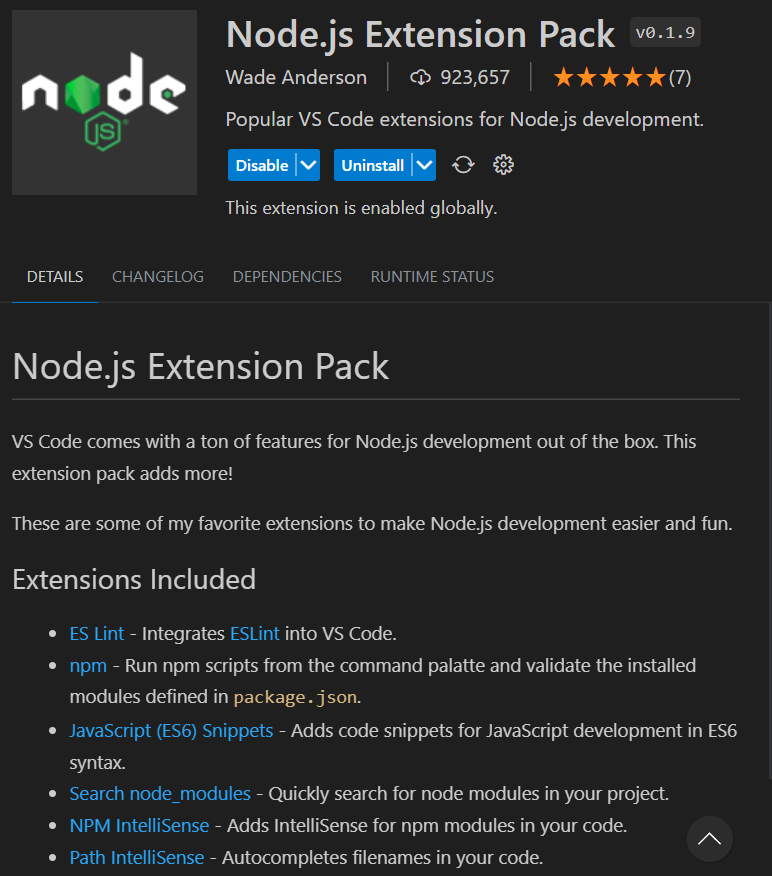
11. Node.js Extensions Pack
A useful bundle for Node.js developers, including tools for imports, npm workflows, debugging, and general productivity improvements. It provides a solid baseline setup for JavaScript backend development right away.
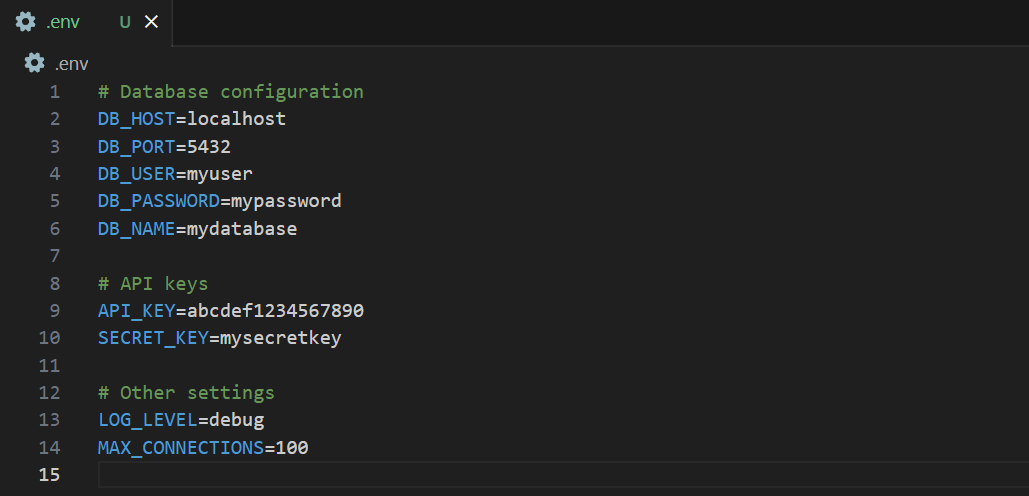
12. DotENV
Adds syntax highlighting and better visibility for .env files. Small but extremely useful in almost every backend project. It helps you quickly spot configuration issues and manage environment variables more efficiently.
13. ESLint
ESLint is still the industry standard for JavaScript and TypeScript code quality. The VS Code integration helps you detect errors directly in the editor and maintain consistent coding standards. This allows you to catch issues early before they reach production, especially in team environments.
14. Jest
The Jest extension improves test integration inside VS Code. It provides autocomplete, test runners, and better visibility into test suites. This makes writing and debugging tests much smoother and improves the overall testing workflow.
15. Python
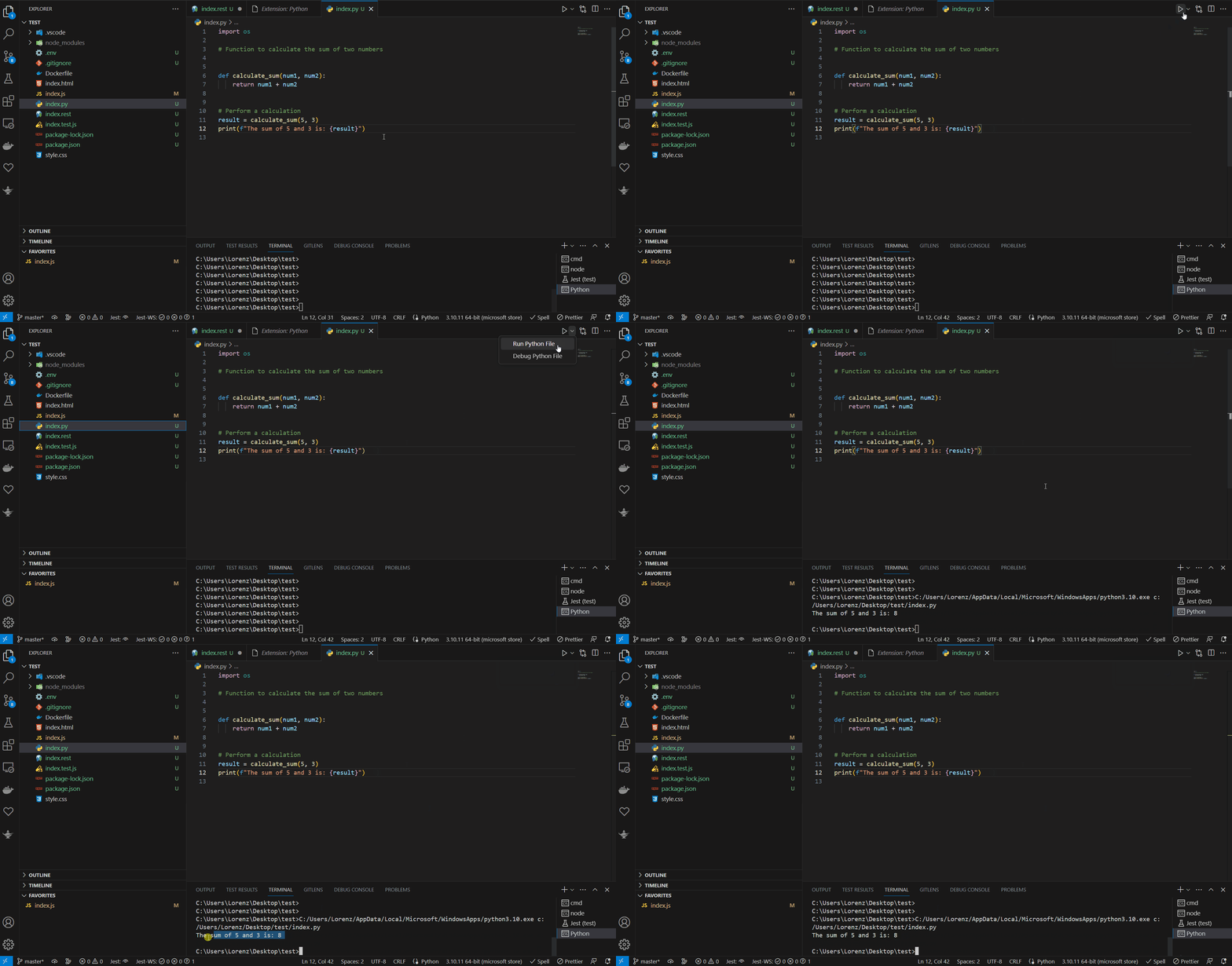
The official Python extension remains essential for Python development. It provides IntelliSense, debugging, linting, and direct code execution. It allows you to efficiently build and test Python applications without constantly switching tools.
16. REST Client
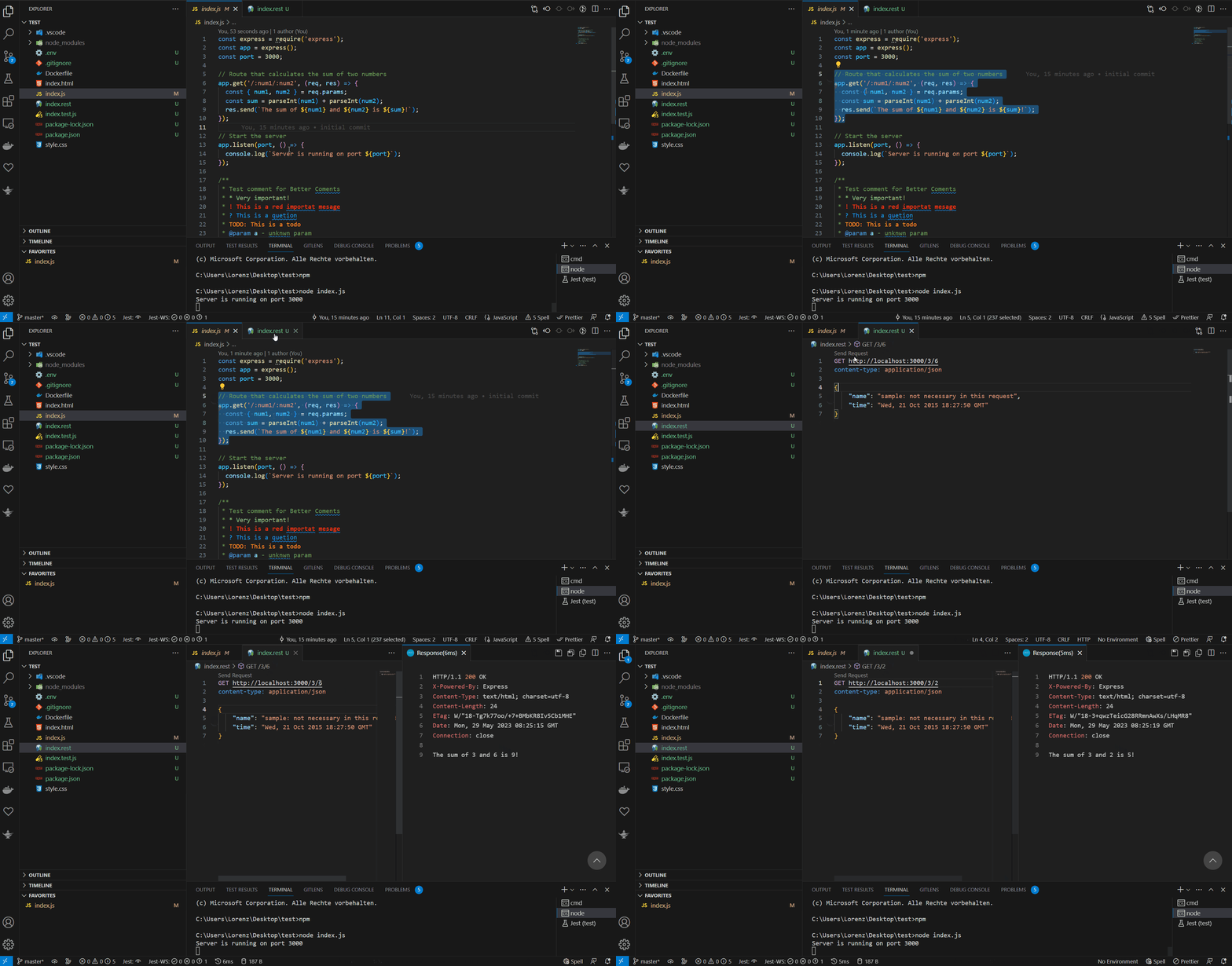
REST Client lets you test API requests directly inside VS Code without needing external tools like Postman. You can save and reuse requests in files, which makes API debugging and development much faster.
17. Prettier – Code formatter
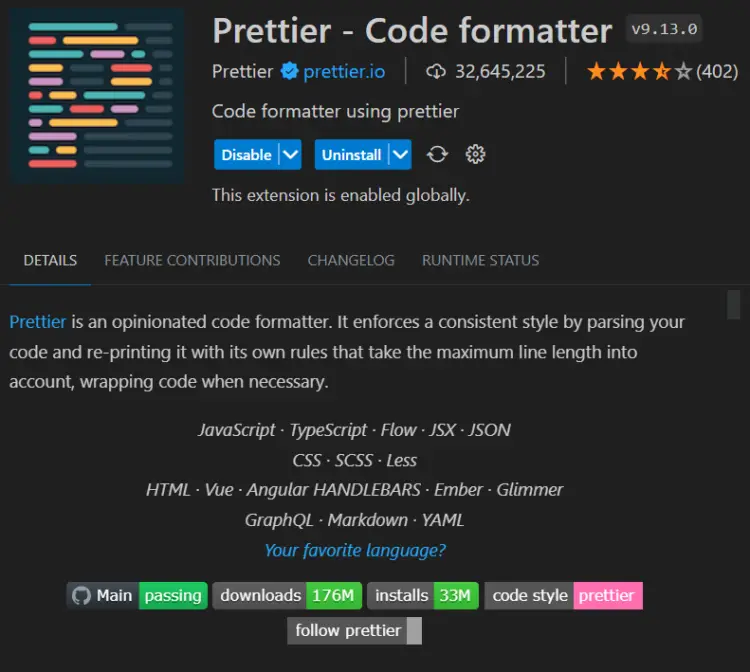
Prettier ensures consistent code formatting across your entire project. This keeps your code readable and standardized, regardless of who writes it. It also helps teams avoid debates about code style and focus on actual development.
18. css-auto-prefix
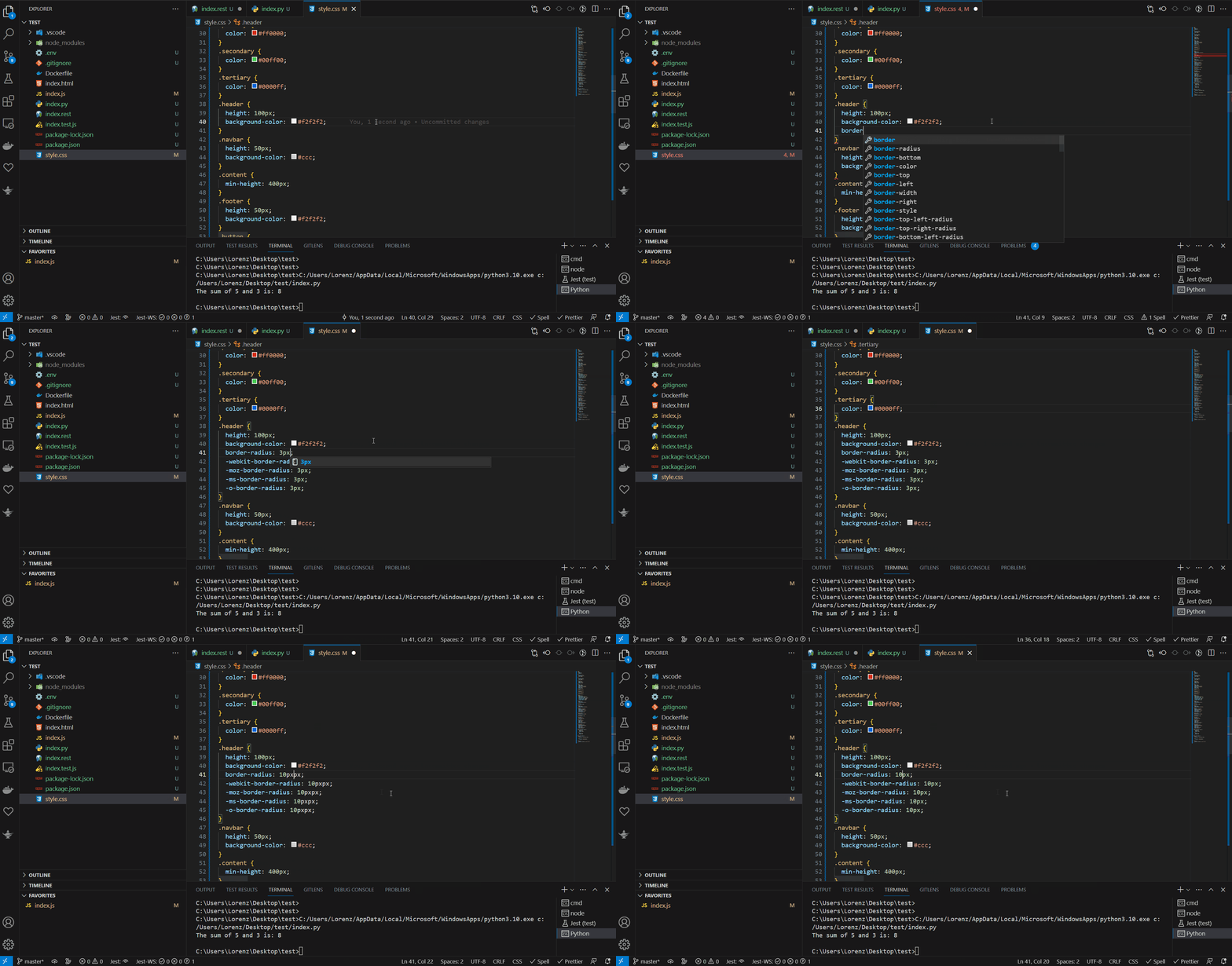
Automatically adds vendor prefixes to CSS properties when needed. This saves time and ensures better cross-browser compatibility. It helps ensure your styles work across different browsers without manual adjustments.
19. CSS Peek
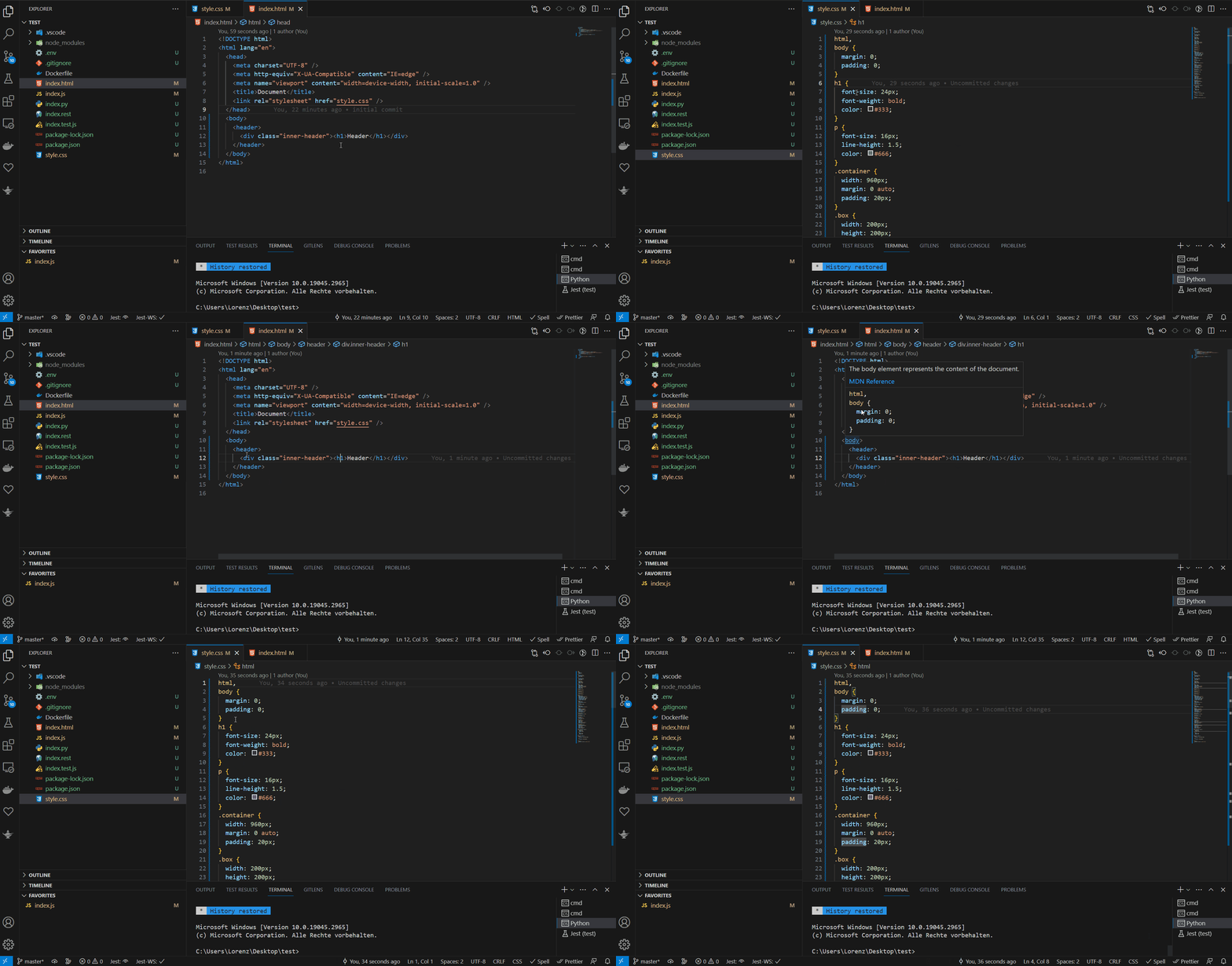
CSS Peek allows you to quickly navigate between HTML and CSS. You can jump directly to the relevant CSS rule with a single click. This makes debugging and refactoring much faster, especially in larger projects.
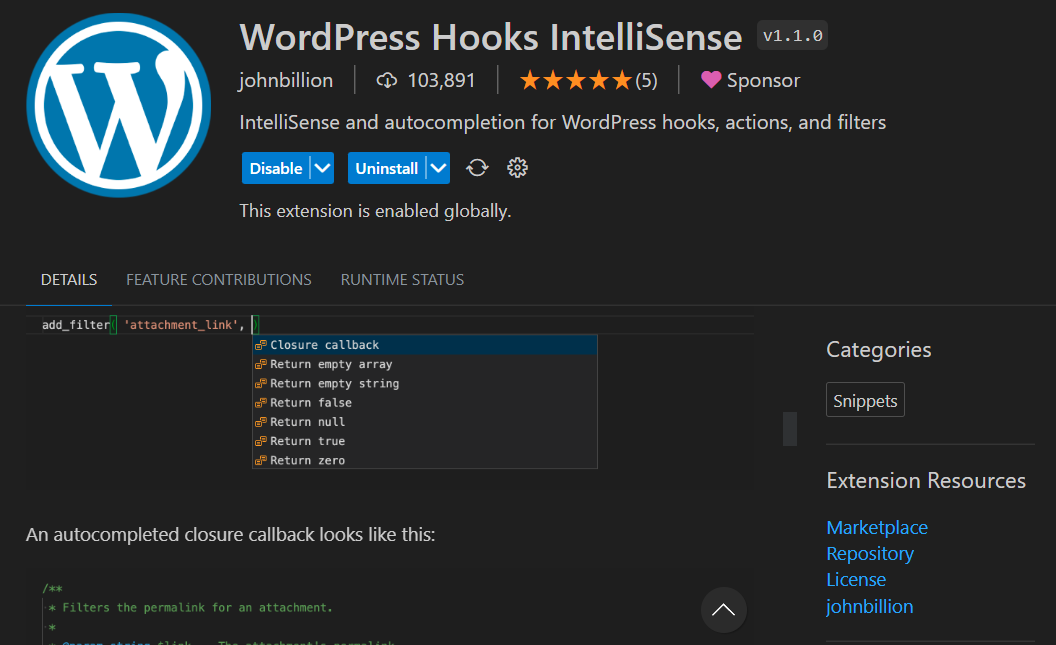
20. WordPress Hooks IntelliSense
An essential extension for WordPress development. It provides autocomplete for WordPress functions and hooks, making development much faster and less error-prone.
Especially in complex themes or plugins, it saves you from constantly checking documentation.
-
Pingback: JSON in PHP and JavaScript: Read, Get, Send, Convert, etc.
-
Pingback: ChatGPT and AI in software development (best practices)